Room design AI

Try room ideas that respect budget and scope.

Upload one room, choose the style, and compare practical remodel directions with notes you can act on instead of a generic inspiration image.

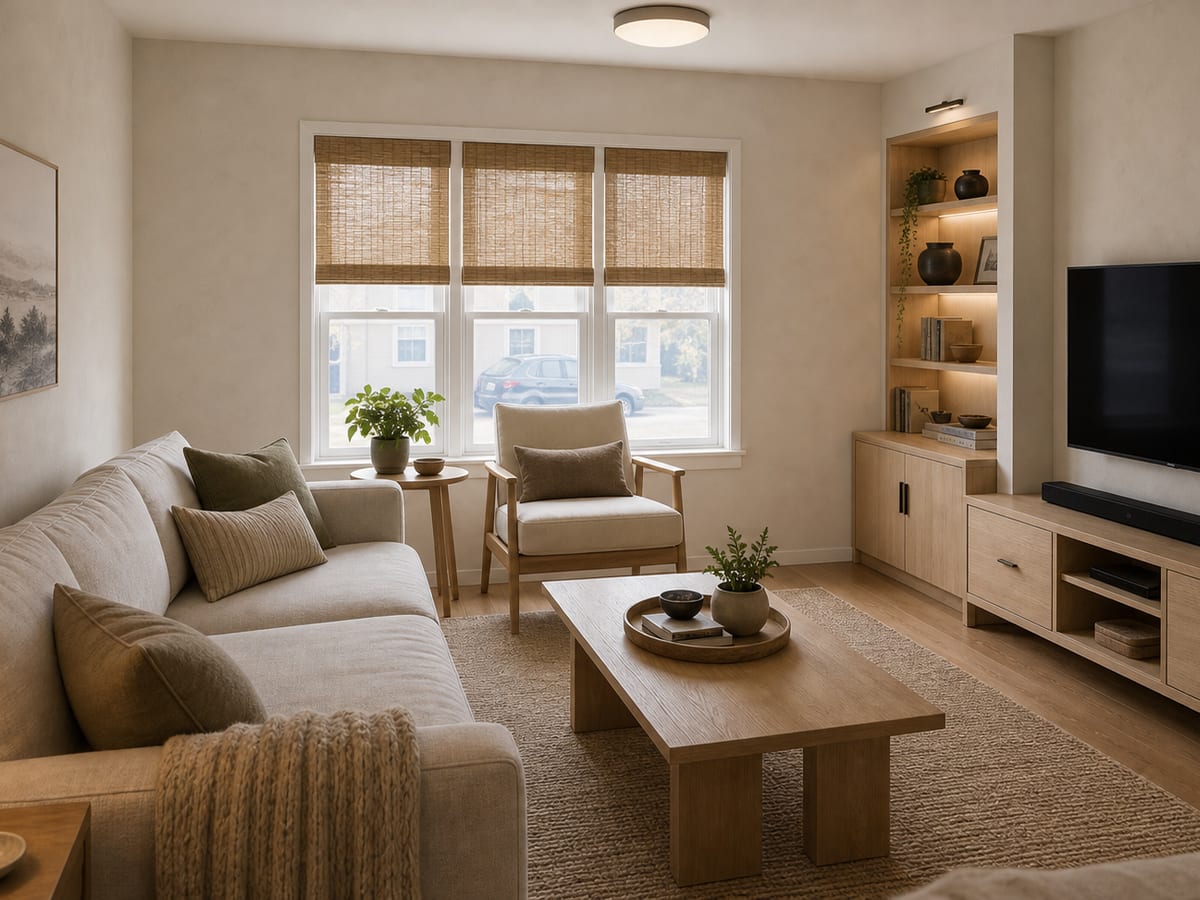
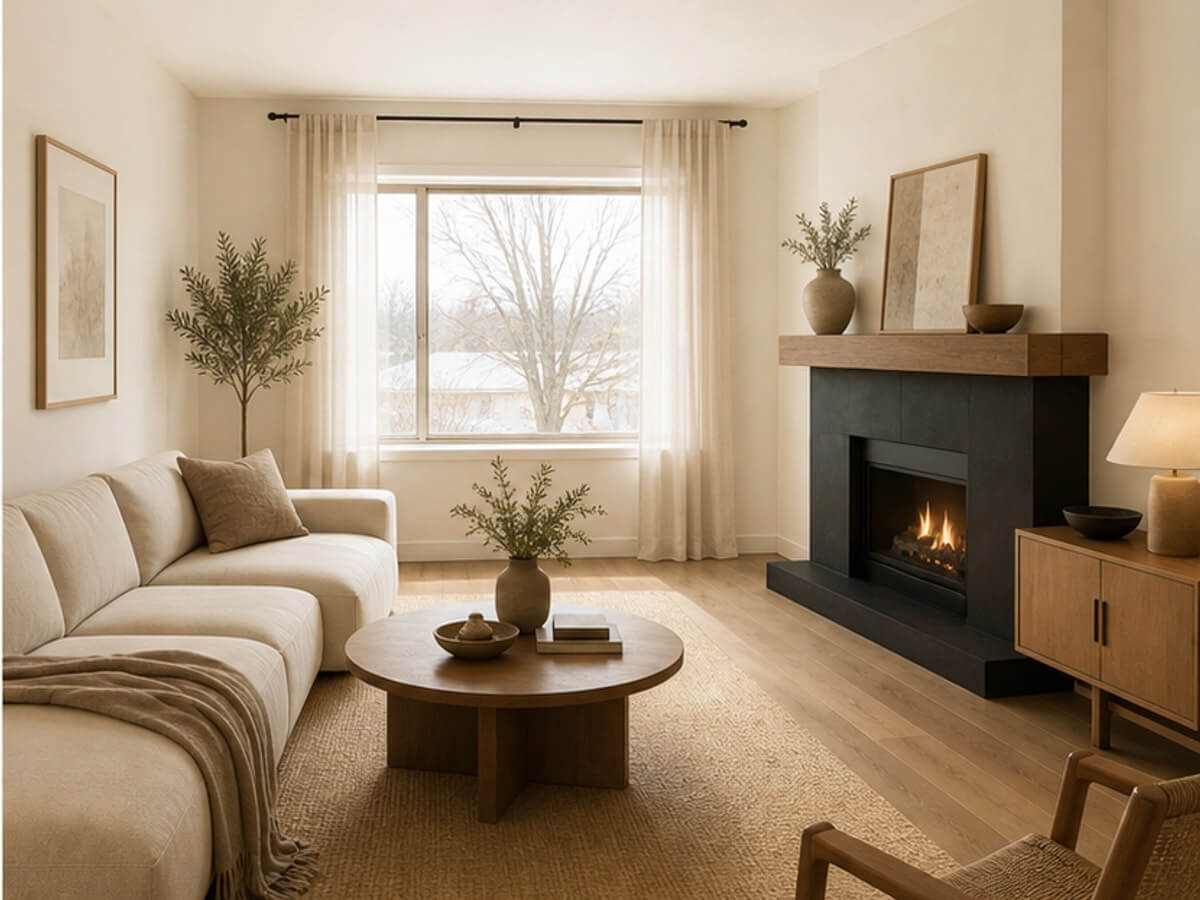
Room design AI after image for a warm living room remodel
Room redesignA practical concept for style, budget, and materials

Interactive sample

Test a practical room redesign.

Change the room intent and budget appetite to see how RenoBrief keeps the output grounded in decisions.

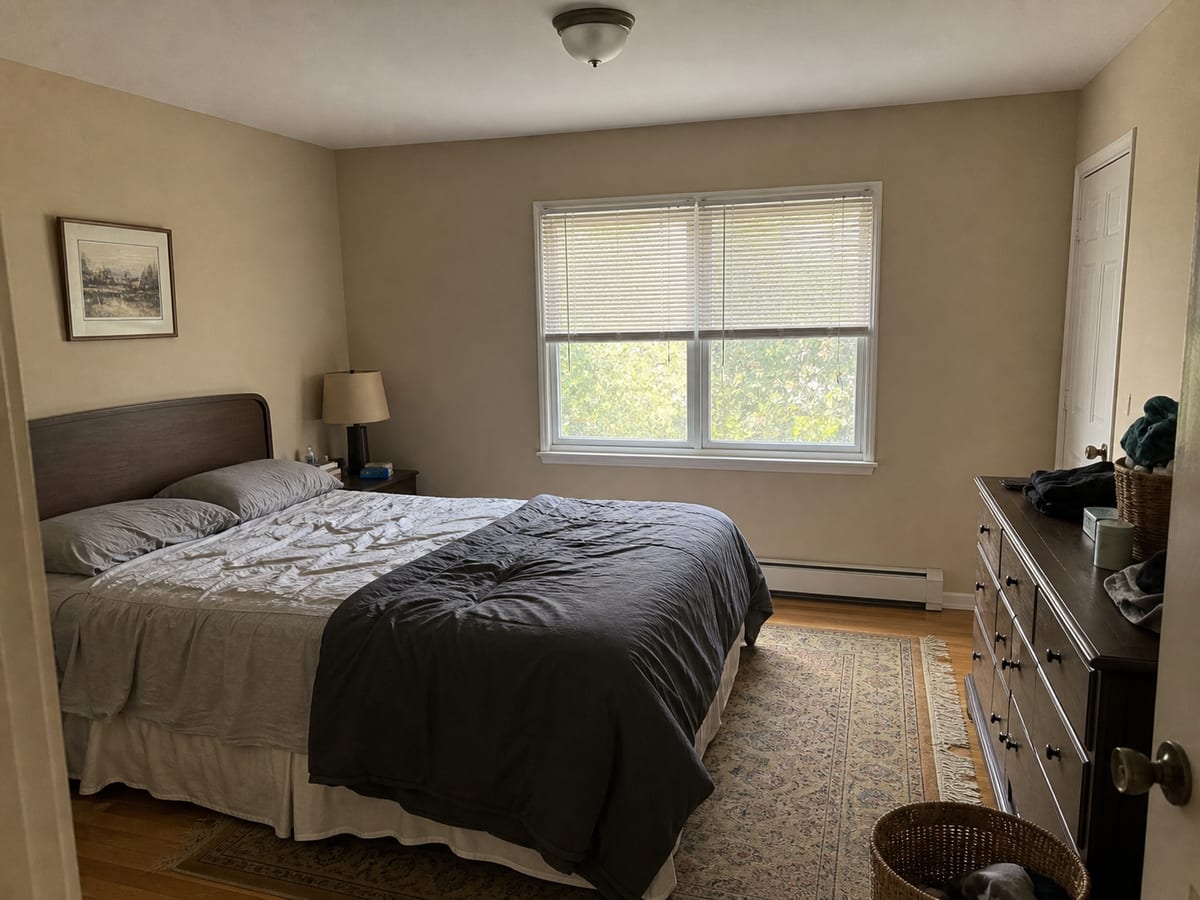
Original bedroom photo for room design AI sample
Sample room photo
Room
Budget
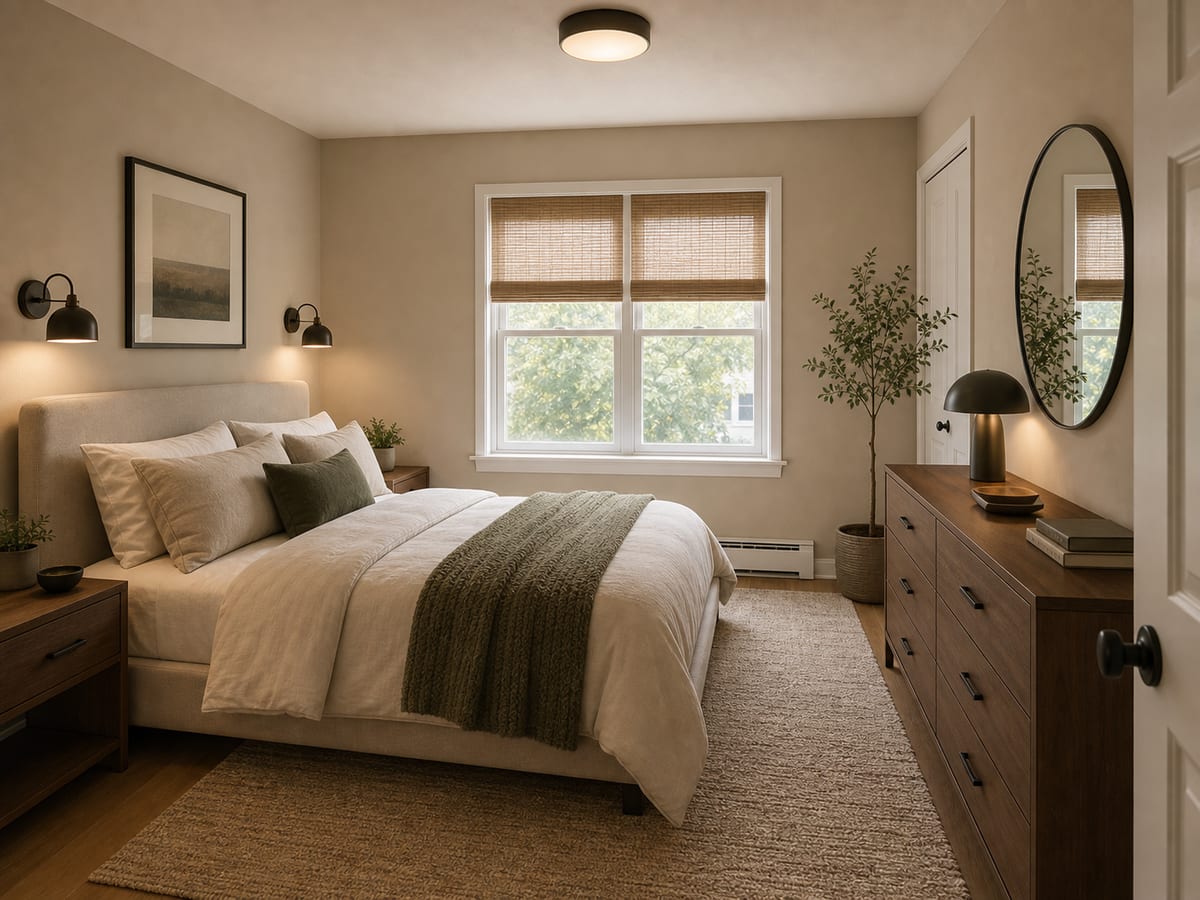
Generated modern bedroom room design concept
Generated concept

Room brief preview

Low-contrast bedroom refresh

Selected scope
  • Room: Bedroom - storage and calm
  • Budget: Refresh - paint, furniture, lighting
Design direction

Calmer room, lighter intervention

  • Keep the existing shell and focus on storage, paint, and lighting.
  • Use furniture scale to improve circulation before changing construction scope.
  • Choose reversible upgrades where rental risk matters.
Budget logic

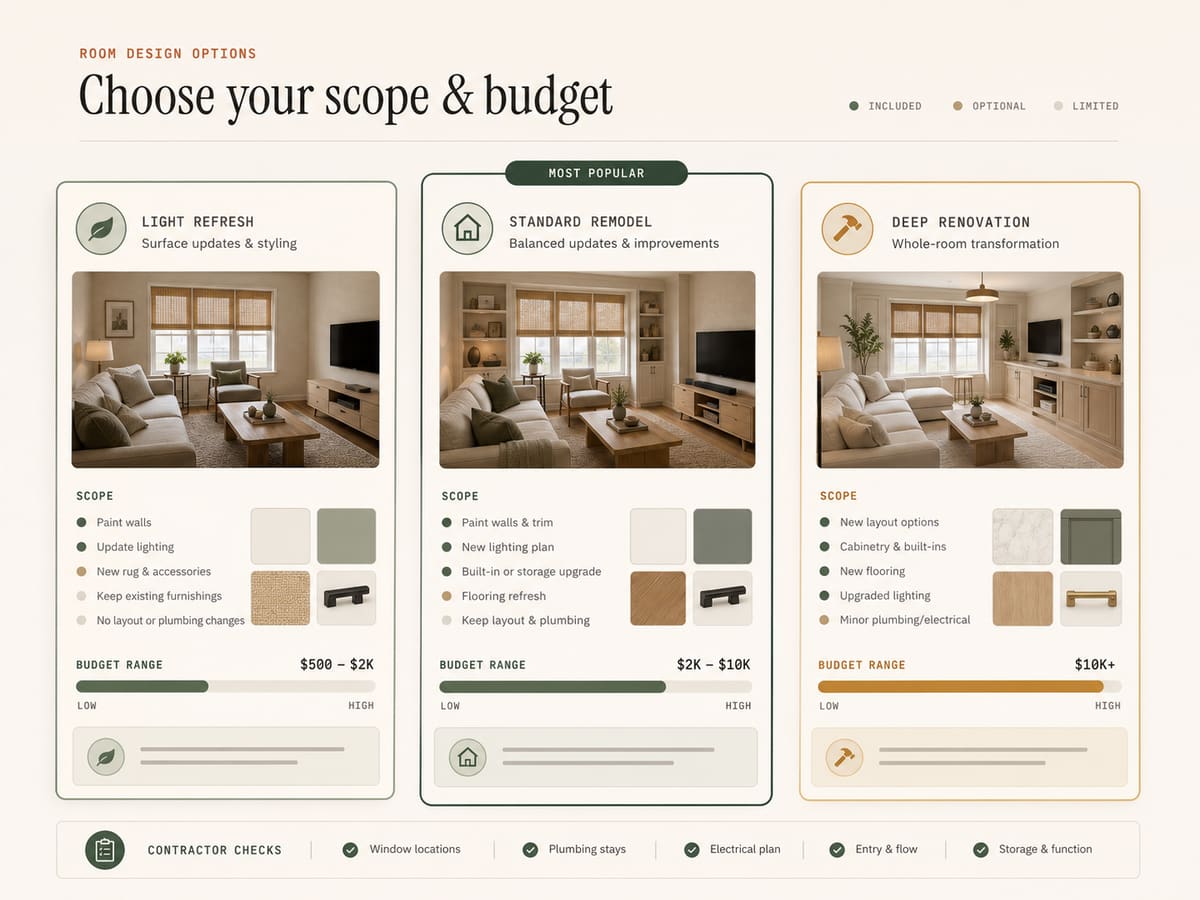
Treat paint, furniture, curtains, lamps, and closet organization as refresh scope; keep built-ins and electrical as optional upgrades.

Next steps
  • Measure closet openings and bed clearance.
  • Order paint samples before committing.
  • Separate landlord-safe ideas from permanent changes.
How it works

Design the room around decisions you actually need to make.

  1. Step 01

    Pick the room

    Start with the room you are most likely to change first. Clear photos produce clearer briefs.

  2. Step 02

    Set the renovation appetite

    Use a light refresh for paint and furniture, standard remodel for surfaces, or premium remodel for deeper changes.

  3. Step 03

    Save the brief

    Keep the image, scope, materials, budget range, and contractor notes together for later comparison.

Output

Room design should answer what changes, what it costs, and who needs to do it.

RenoBrief is built for homeowners and renters who need more than a pretty render: it keeps the plan grounded in decisions.

Sample room brief

Low-contrast rental refresh

Design direction

Keep existing flooring, repaint in warm neutral, replace bulky furniture, and add layered lighting.

Budget range

A refresh can stay under furniture and paint costs; permanent lighting or built-ins should be separated as optional scope.

Next step

Order paint samples, measure furniture clearances, and ask an electrician about switching or adding fixture locations.

Room outputs

Practical beats pretty-only.

Original bedroom room design sample
Before

Start with a normal room

The sample begins with a real-feeling space, not a showroom, so the result has to solve ordinary constraints.

Renter-friendly bedroom refresh concept
After

Visualize a direction

The concept gives enough visual confidence to discuss the idea with a partner, landlord, or contractor.

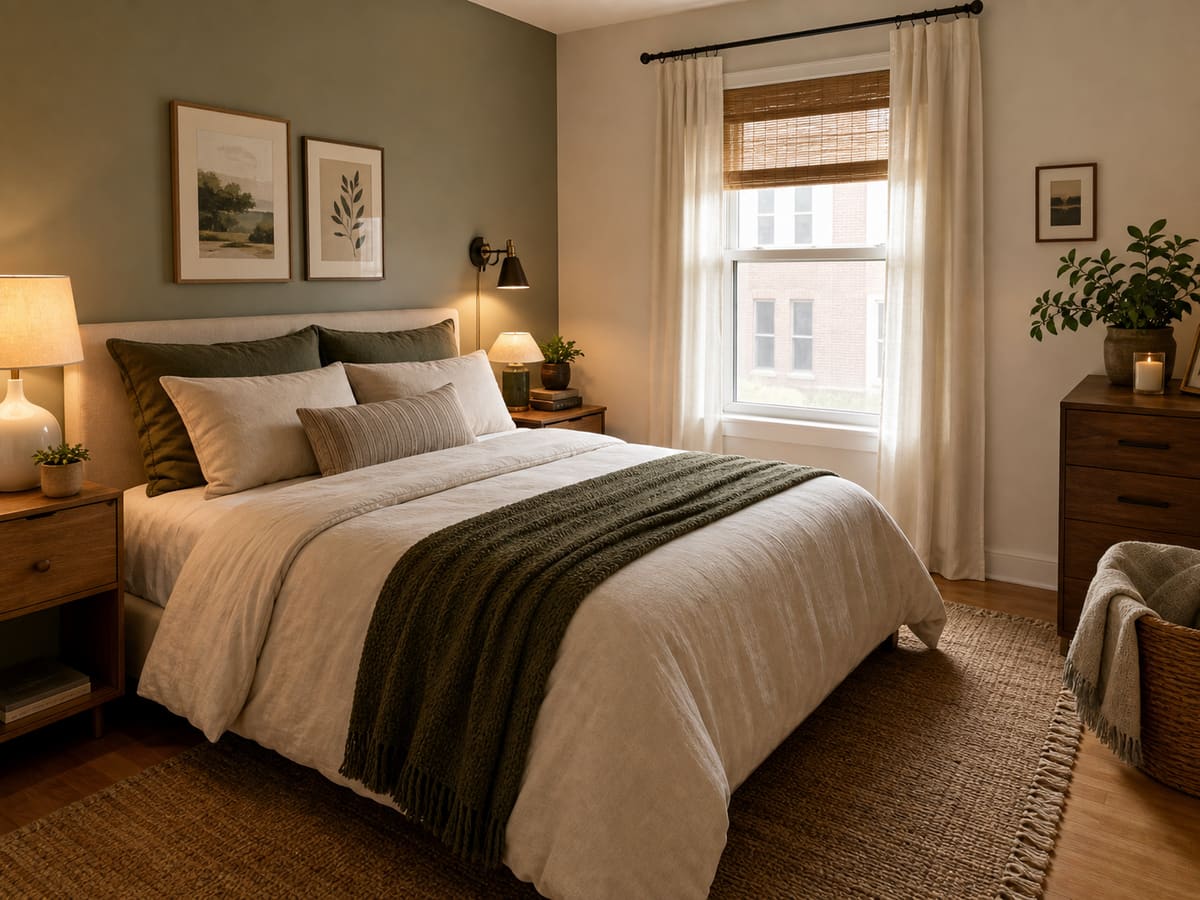
Room design budget mode comparison brief
Brief

Keep the plan actionable

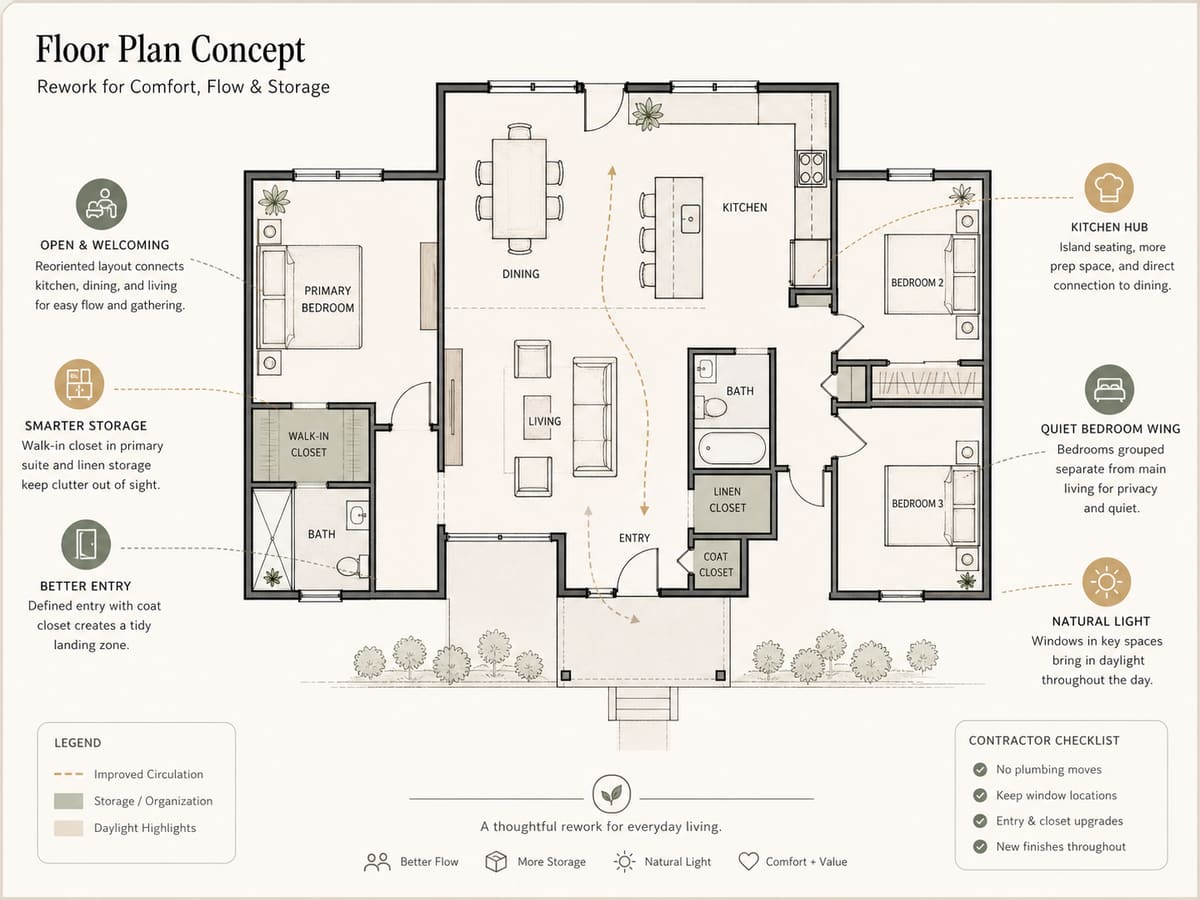
The brief separates renter-safe refreshes from deeper remodel decisions before money gets spent.

FAQ

Room design AI questions

Is this only for homeowners?

No. Renters can use lighter budget modes for paint, furniture, lighting, and reversible changes.

Does it work for kitchens and bathrooms?

Yes, but wet rooms need more contractor verification because plumbing, electrical, and code constraints matter.

Can I use it for real estate staging?

Yes. The brief format helps agents explain a realistic refresh instead of only showing a virtual staging image.

Plan the room

Try the idea before you buy anything.

Turn a room photo into a practical redesign brief with style direction, scope, materials, and next steps you can actually act on.

Brief includesDesign direction
Budget range$2k - $10k
Handoff notesMaterials + scope

Free testing credits are available during early access.

>