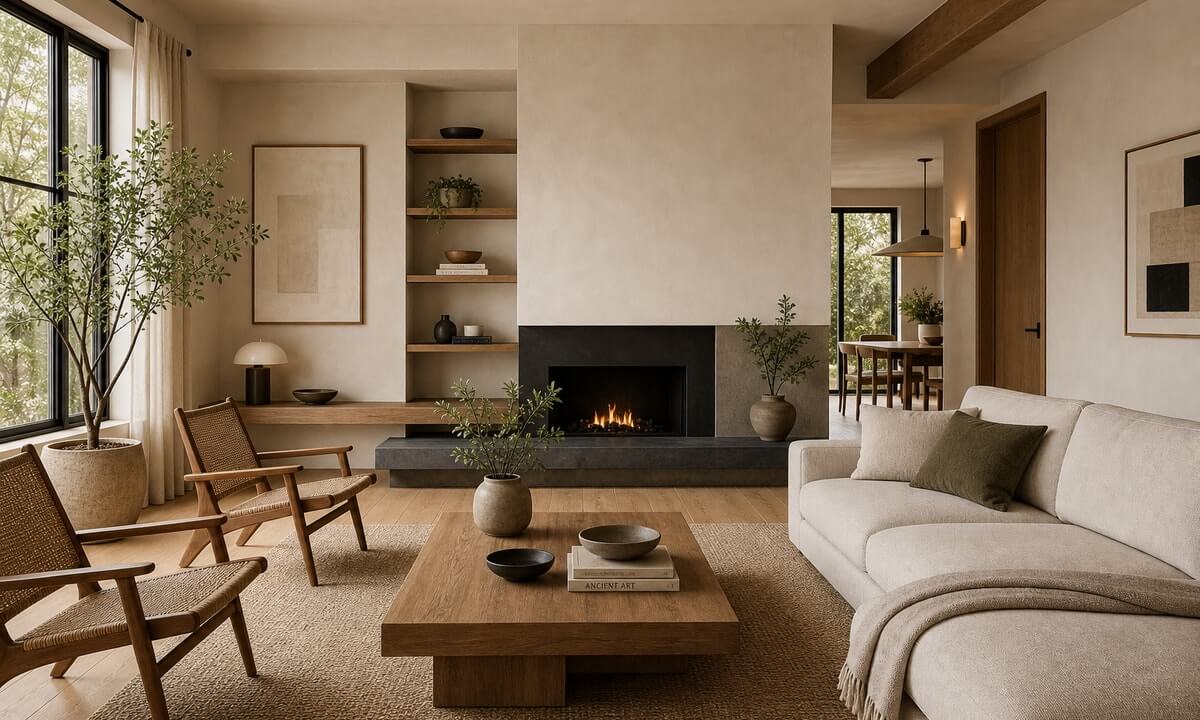
AI interior design

Redesign a room and understand what it takes to build.

RenoBrief turns a room photo into an interior concept plus a one-page brief covering style direction, budget range, materials, and contractor questions.

AI interior design room remodel preview with renovation brief
Room conceptDesign image plus material, budget, and scope notes

Interactive sample

Try an interior brief before uploading.

Use a sample room to see how RenoBrief connects style, budget, materials, and contractor notes.

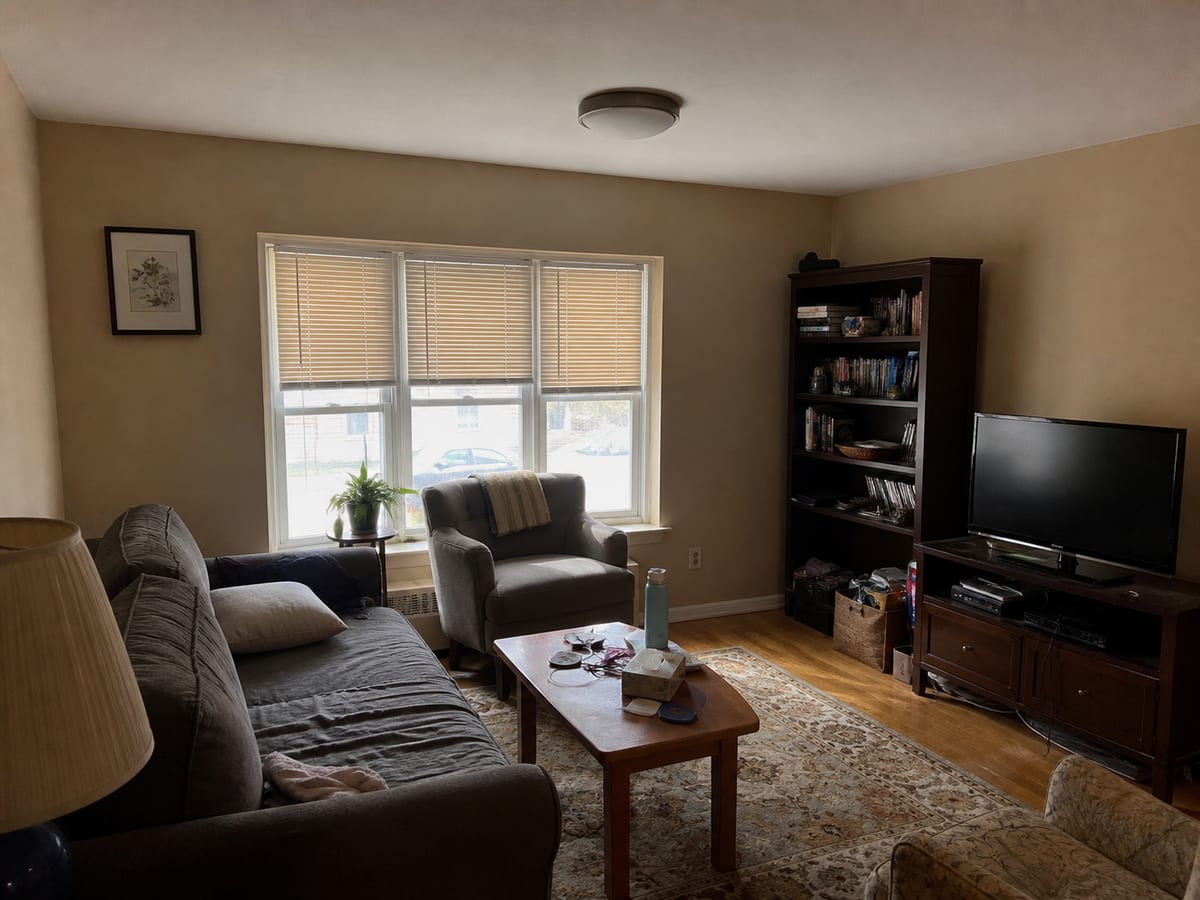
Original living room photo for AI interior design sample
Sample room photo
Style
Budget
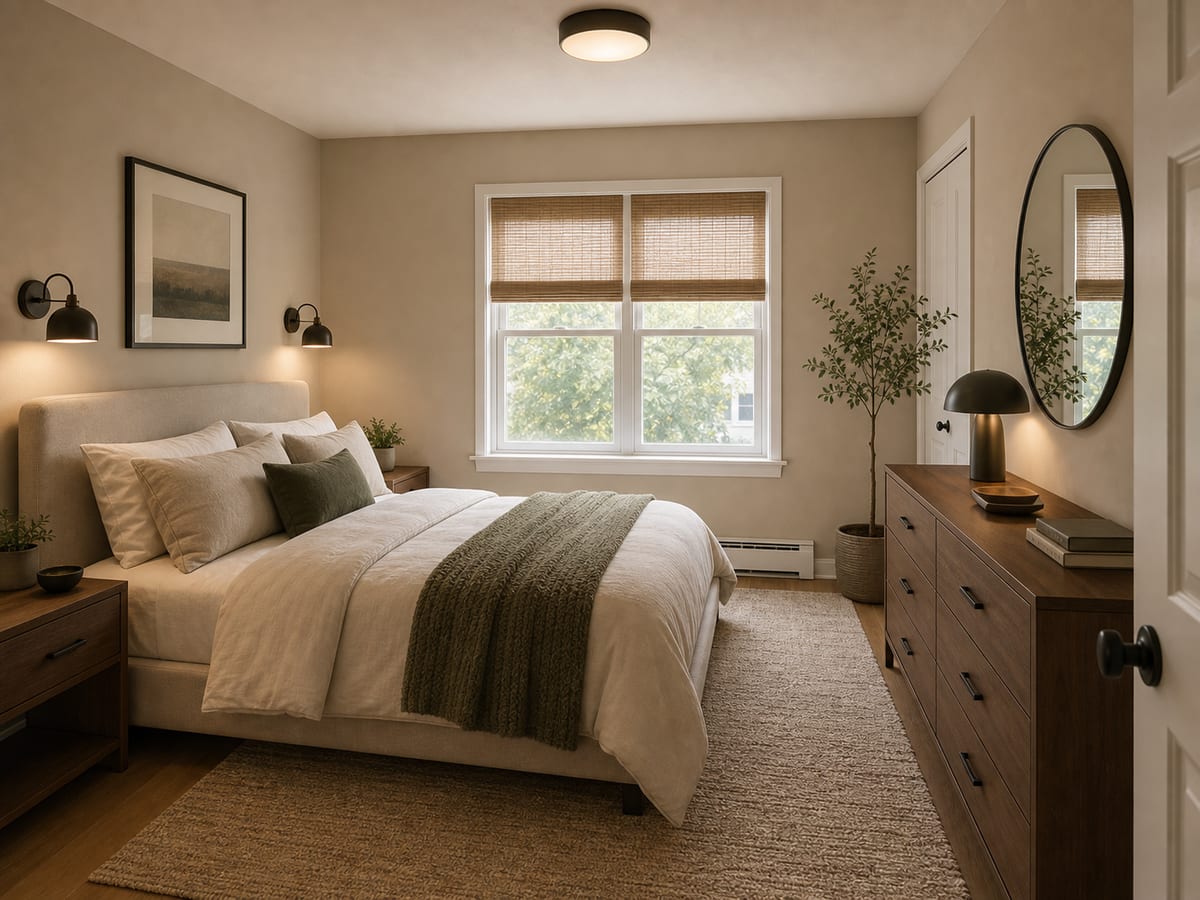
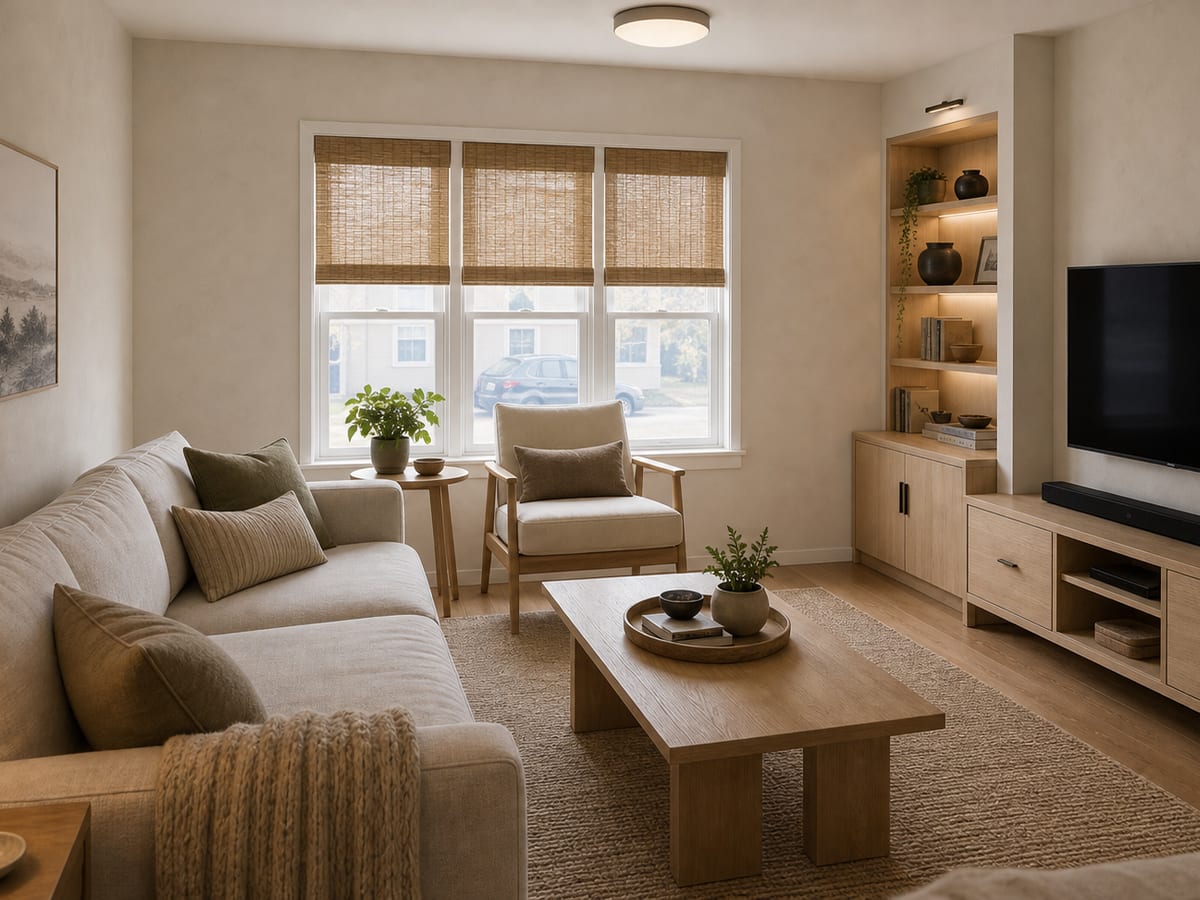
Generated warm Japandi living room concept
Generated concept

Interior brief preview

Warm Japandi living room

Selected scope
  • Style: Japandi - oak, linen, low contrast
  • Budget: Remodel - $2k - $10k
Design direction

Calm, oak-led, and practical

  • Preserve the room shell and improve material warmth.
  • Use layered lighting instead of one overhead source.
  • Keep storage visible enough to be usable, quiet enough to disappear.
Materials

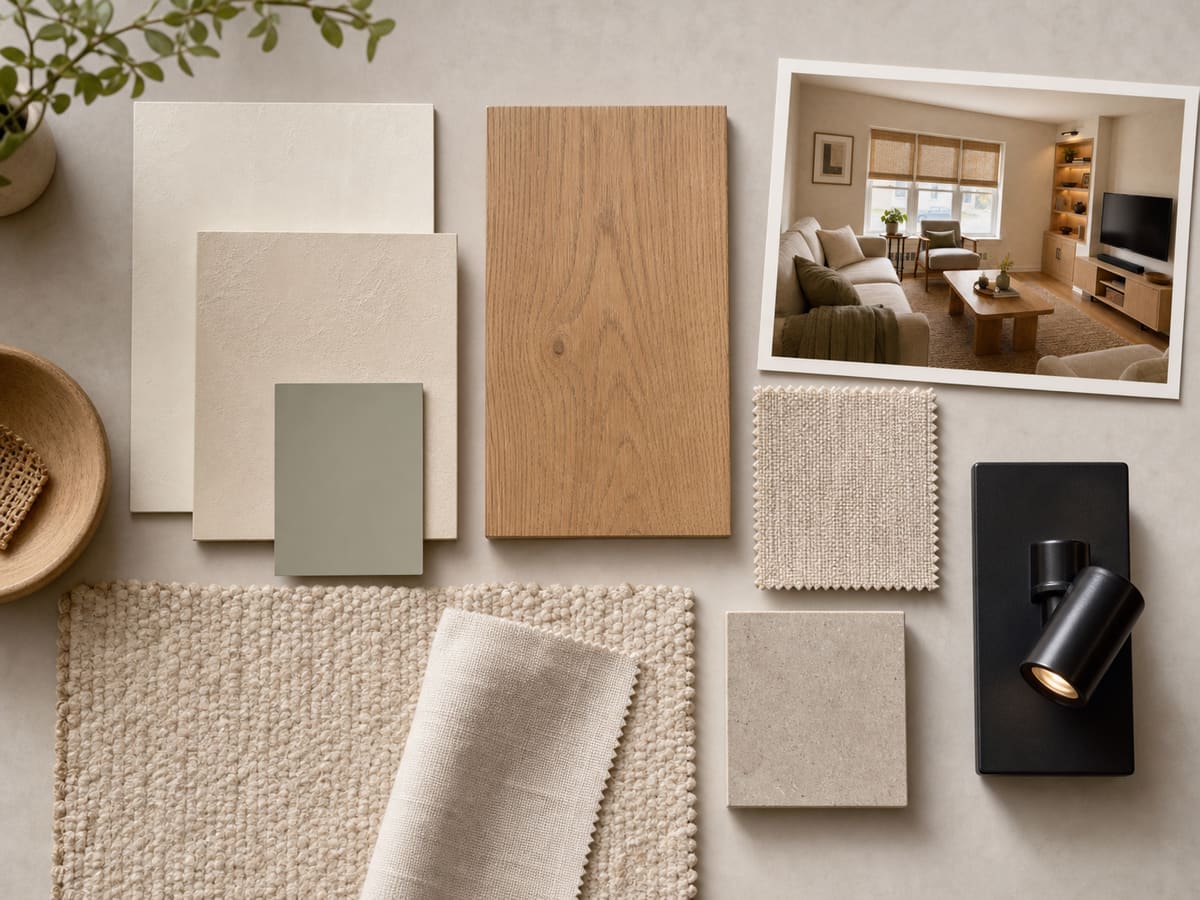
Warm limewash, oak or oak-look flooring, linen upholstery, soft neutral rug, and blackened metal lighting.

Contractor checks
  • Confirm floor level before changing finish.
  • Check fixture locations and dimmer compatibility.
  • Separate furniture-only refresh from electrical or built-in scope.
How it works

Move from inspiration to a renovation brief.

  1. Step 01

    Upload a room photo

    Living rooms, bedrooms, kitchens, and bathrooms work best when the photo shows walls, floor, light, and major furniture.

  2. Step 02

    Choose style and budget mode

    Pick the look and the level of intervention: refresh, standard remodel, or premium remodel.

  3. Step 03

    Generate image and brief

    Use the result to compare ideas, save versions, and hand a clearer scope to a contractor or partner.

Output

The image opens the conversation. The brief makes it usable.

A RenoBrief interior result includes the concept image, design direction, budget range, materials, and contractor notes in one format.

Sample interior brief

Warm Japandi living room

Design direction

Light limewash walls, matte oak flooring, lower contrast furniture, and one dark metal focal detail.

Materials

Warm white paint, oak or oak-look floor, linen upholstery, paper shade lighting, and blackened steel accents.

Contractor notes

Confirm floor leveling, radiator constraints, lighting junction box position, and whether wall finish requires skim coat prep.

Interior outputs

The render is only the start.

Warm Japandi living room concept
Concept

A direction you can inspect

The sample image shows the visual target while keeping the existing room believable.

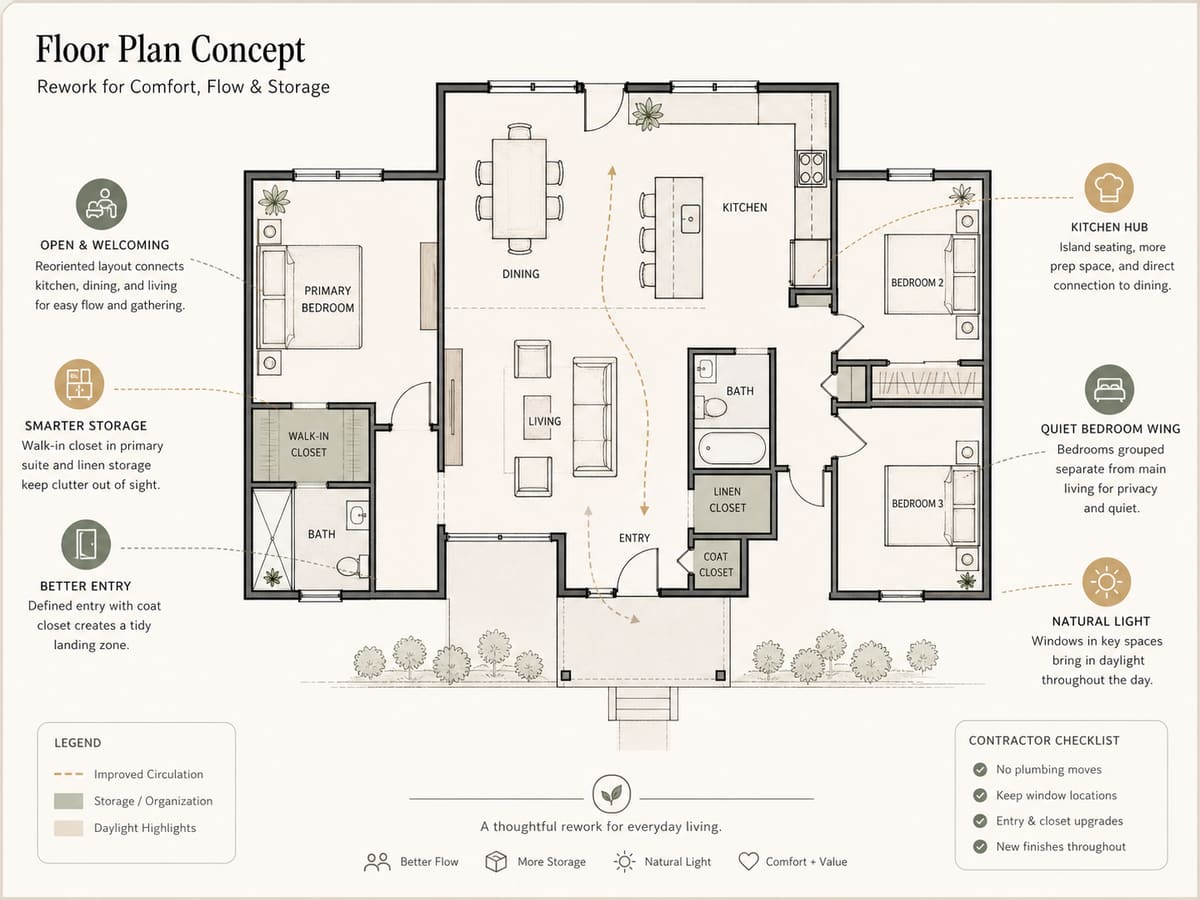
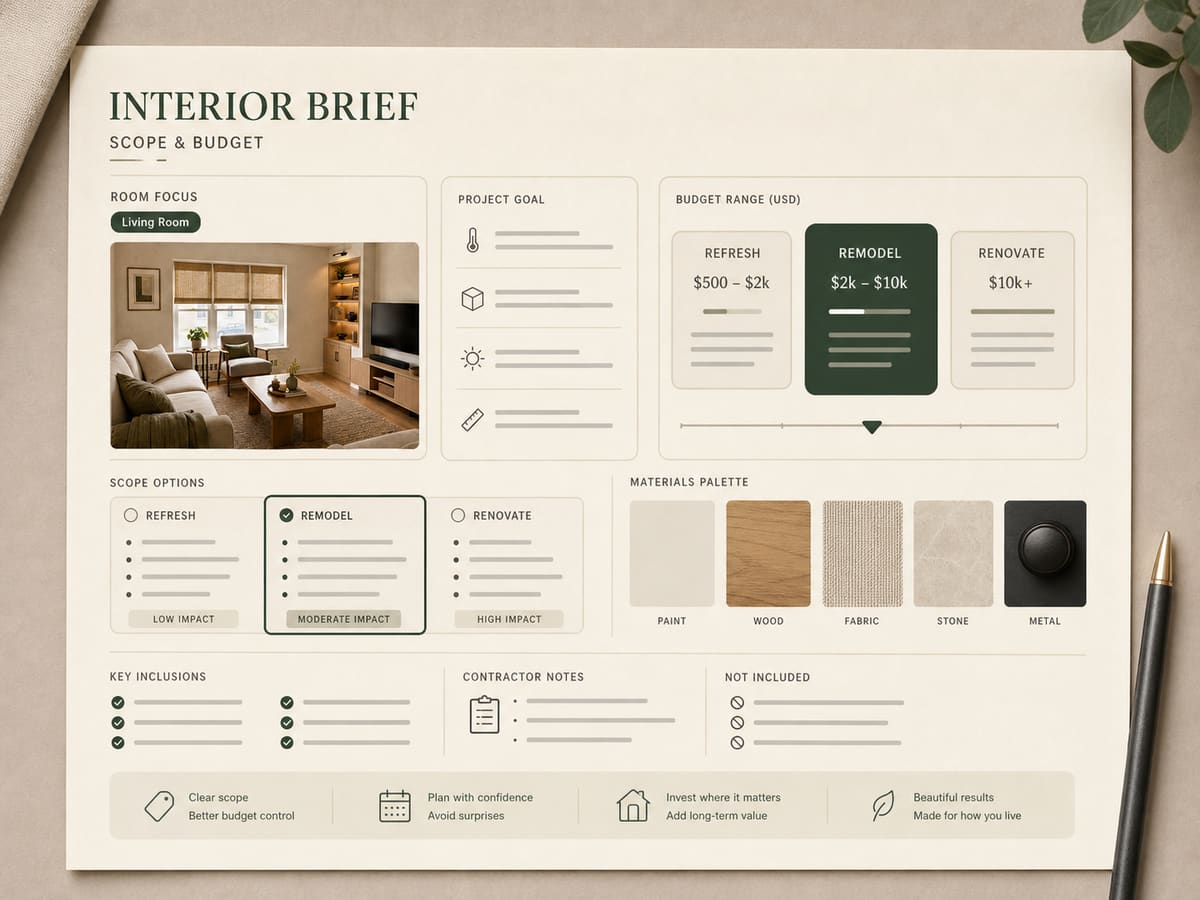
Interior renovation brief with budget scope
Scope

Budget mode changes the plan

Refresh, remodel, and renovate stay separated so the brief does not blur furniture, finishes, and trade work.

Interior remodel material board
Handoff

Notes for the contractor conversation

Materials, lighting, floor prep, and constraints are captured next to the image instead of buried in chat.

FAQ

AI interior design questions

What makes RenoBrief different from a room image generator?

RenoBrief treats the brief as the artifact. The image is paired with budget, materials, and contractor notes.

Can I generate multiple versions?

Yes. The current dashboard supports version slots so you can compare several directions for the same room.

Can I export the result?

Yes. Saved briefs can be exported as a RenoBrief PDF with the generated image, design direction, materials, budget scope, and contractor notes.

Plan the room

Start with the room photo.

Upload the space you want to change and turn it into an interior concept, budget range, materials list, and contractor-ready scope notes.

Brief includesDesign direction
Budget range$2k - $10k
Handoff notesMaterials + scope

Free testing credits are available during early access.